Tools for impossible shots.
Control hardware, software and accessories for camera crews. Engineered from fourteen years of flying cinema cameras where others won't.
Truly innovative products.
Each one was born on a real set: we needed it, and nobody made it.
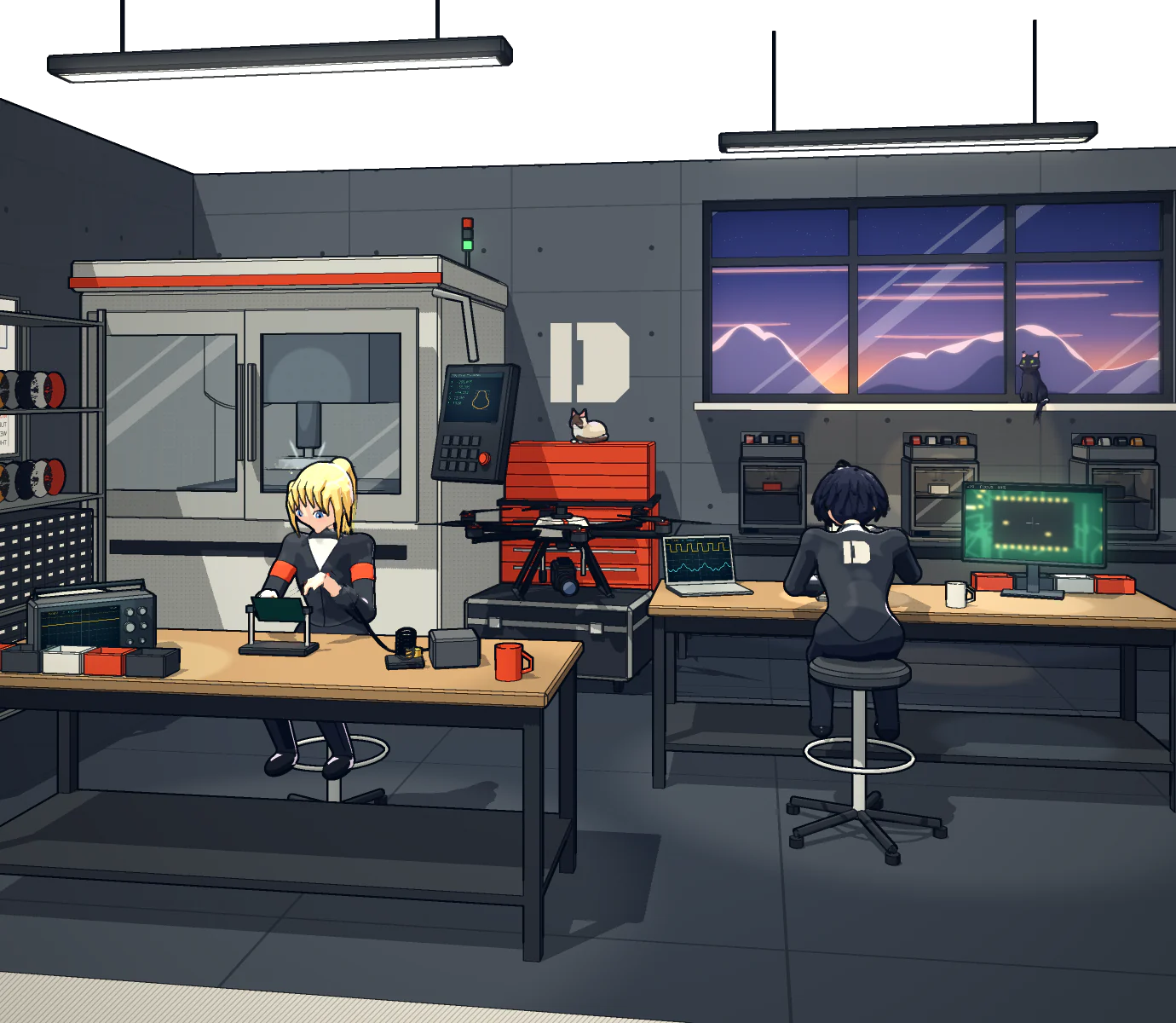
FOCUSLINK
No DJI Transmission. Fully wireless.
A small plate that clicks onto your DJI follow focus and runs on a Canon LP-E6 battery. Focus goes completely wireless, all the way to the Inspire remote controller, without a DJI Transmission: you no longer need to buy or rig one at all. The licence lives in the module, so it moves with the hardware from rig to rig.
- Replaces the DJI Transmission entirely
- Fully wireless to the Inspire remote controller
- Fits the DJI follow-focus hand unit, runs on a Canon LP-E6
- Licence held in the module, nothing to register
A new way to pull focus on the Inspire 3.
Until now, the ARRI Hi-5 could not be used on the Inspire 3. FocusLink PRO changes that. It takes the place of the radio module on the back of the Hi-5 and fills the bay right up to the side plate, with the antenna inside, so nothing sticks out. A short LEMO lead links it to the hand unit's back connector, and focus goes completely wireless to the Inspire remote controller, with no DJI Transmission. Your focus puller keeps the hand unit they already know, on an aircraft it never worked with before. The licence lives in the module, so it moves with the hardware from rig to rig.
- The first way to pull focus on the Inspire 3 with an ARRI Hi-5
- Takes the place of the Hi-5 radio module, antenna inside
- Short LEMO lead to the back connector, 4.5 mm cable
- Fully wireless to the Inspire remote controller, no DJI Transmission
- Licence held in the module, nothing to register
POWERGIMBAL
Fly the Inspire 3 naked. The gimbal keeps full power.
PowerGimbal turns the Inspire 3 into a naked or FPV conversion and gives the gimbal full power in any situation. Keeping the gimbal powered was the biggest thing stopping these builds until now. Purchase available after signing an NDA. One licence per aircraft, and conversions fly hard: if the aircraft is written off, open a case with the DJI Care Refresh or insurance paperwork and the licence is reissued for the replacement.
- Platform
- DJI Inspire 3
- Enables
- Naked and FPV conversions
- Gimbal
- Full power, any situation
- Purchase
- After signing an NDA
- Licence
- Per aircraft
FRAMES
Land the same frame twice.
Store the first or last frame of a move, then fly with it laid over the Inspire feed. Close the offset and the shot starts, or ends, exactly where the last take did. Move across the picture to try it.
- Reference for the start or end of a move
- Shown over the live feed
- One licence per remote controller
GOGGLELINK
Your drone, full screen in the goggles.
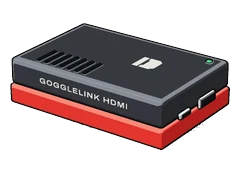
GoggleLink puts the camera of your Inspire 3, Mavic 4 Pro or Mini 5 Pro full screen in the DJI Goggles 3. None of them ever worked with the goggles before. A USB-C cable from the remote controller to the goggles is all it takes. Add GoggleLink HDMI and any HDMI source goes in too: a monitor feed, a camera, a video receiver. One licence per pair of goggles.
- Inspire 3, Mavic 4 Pro and Mini 5 Pro in the DJI Goggles 3, for the first time
- Full screen, through a USB-C cable from the remote controller
- Any HDMI source with GoggleLink HDMI
- One licence per pair of goggles
Fly FPV. Watch the cinema camera.
GoggleLink PRO is made for FPV with a cinema camera. You fly on the O4 Pro as always, and the cinema camera on the gimbal, or on the drone itself, sits in a picture in picture at the top right of your goggles, straight from a DJI SDR receiver plugged in by USB. Until now, the DJI Goggles 3 could not show any outside video at all, let alone next to a live FPV feed. Frame the shot and fly the line in one view. PRO includes full screen as well, and works with GoggleLink HDMI.
- The cinema camera in a picture in picture while you fly the O4 Pro
- From a DJI SDR receiver, plugged into the goggles by USB
- Full screen included, GoggleLink HDMI ready
- One licence per pair of goggles
Parts list.
How licences work.
Remote controller
One licence for one remote controller. After payment, the controller makes an activation request; you upload it in your account and download the licence there. A new controller, a reinstall or a handover goes through a reviewed case.
FramesYour productsAirframe
One licence per aircraft, activated from your account at release. The serial in your hangar is a label for your records. A written-off aircraft goes through a reviewed case.
PowerGimbalOpen the hangarGoggles
One licence per pair of DJI Goggles 3, activated from your account at release. A second pair needs its own licence. A repaired or replaced pair goes through a reviewed case.
GoggleLink, GoggleLink PROHardware
The licence goes with the module. Move it to another rig and it keeps working, with no new purchase.
FocusLink, FocusLink PROEvery licence is perpetual and works offline. DRIU WORKS issues each one after a person checks the request; the website never signs anything. Revoking an old installation is not instant: one that stays offline keeps working until it imports the revocation file.
Andriu FPV
Fourteen years flying cinema cameras on sets around the world. DRIU WORKS makes the tools those sets were missing.
Hangar.
The drones and camera bodies you run, one bay each. Serials are labels for your records and for support. Every bay lists the parts that fit what's parked in it.